Students
Studying with ADHD often means sitting down to revise and ending up three videos deep into something else. Don't Forget gives each study task a timer, a short list of steps and an easy way back when your attention drifts.

Free · iPhone, iPad, Mac & Apple Watch · No account needed
Sound familiar?
- “You planned two hours of revision and did twenty minutes, somewhere in between everything else.”
- “The essay feels too big to start, so you reorganize your notes instead.”
- “The Pomodoro timer rings just as you finally got into it.”
Pomodoro, if and when you want it
Turn on Pomodoro for 15, 25 or 50-minute focus sessions with 5 or 10-minute breaks, or leave it off and let the timer run while you're in the flow. The choice is per session, not a rule.
Turn an assignment into a first step
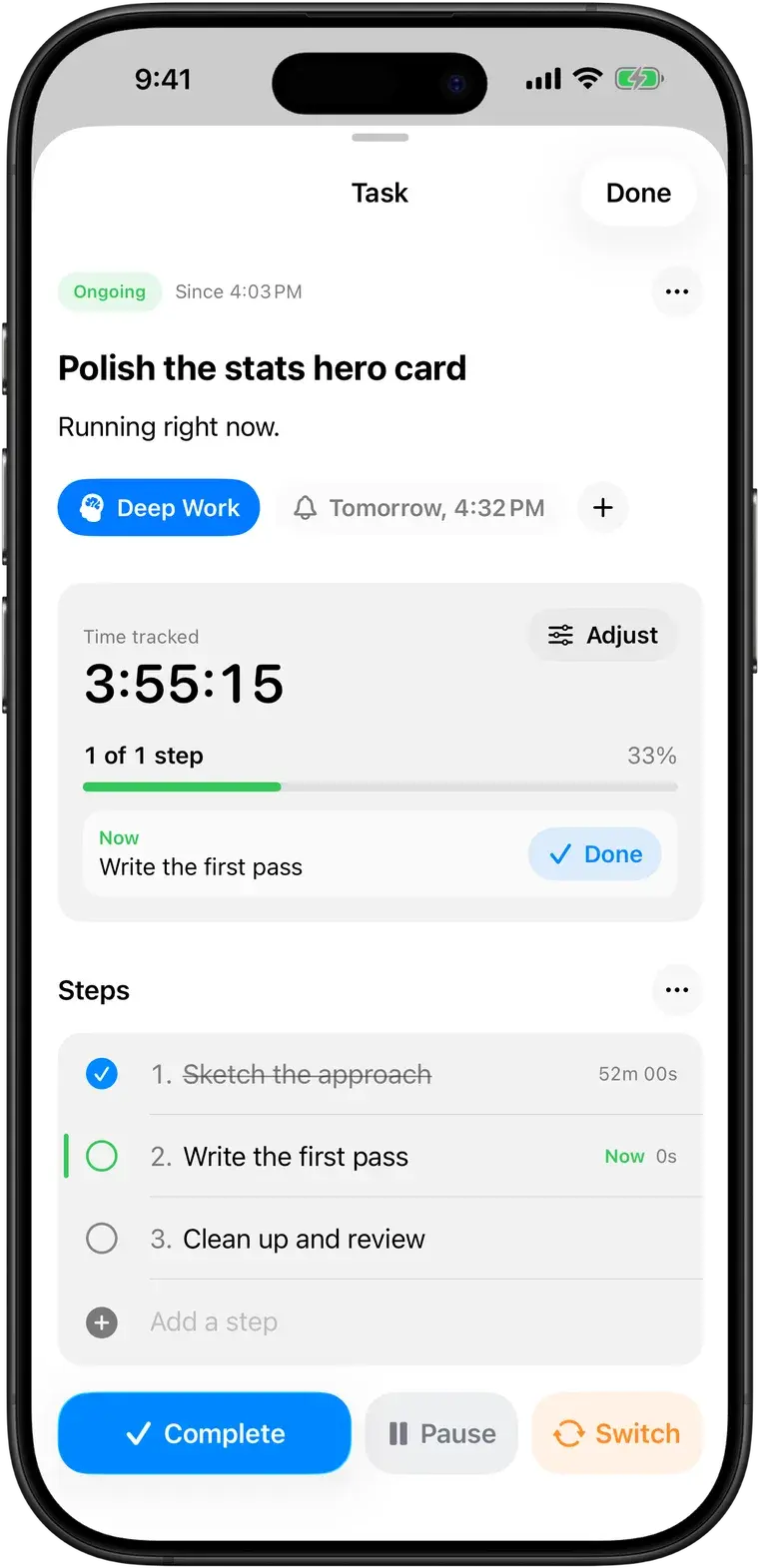
Split an essay or problem set into steps. Paste a list and each line becomes a step. You only see the one you're on, and each step's time shows you how long that kind of work really takes.
Wandered off? Come back in one tap
Switch to whatever grabbed you, and the study task waits in Up Next with its time and next step. A minute later, a gentle notification asks if you want to go back.
See the hours you actually put in
Daily, weekly and monthly statistics show your real study time per task, which is useful before exams and far more honest than a guess.
Common questions
More in the full FAQ.
Does Pomodoro work with ADHD?
For some people, some of the time. Short sessions can make starting easier, but a timer that rings in the middle of hyperfocus can also break a good run. Don't Forget lets you choose: run an open-ended timer, or turn on Pomodoro with 15, 25 or 50-minute sessions and 5 or 10-minute breaks.
Studying with ADHDCan I break a big task into steps?
Yes. Add steps to any task, focus on one at a time, and see how long each one really took. When you switch away, the next step is shown with the parked task, so you know exactly where to restart.
Which devices does it run on?
iPhone and iPad (iOS 17.6 or later), Mac (macOS 14.6 or later) and Apple Watch (watchOS 10.6 or later). One download from the App Store covers all of them.
Next time you get pulled away, you'll know where you were.
Free on iPhone, iPad, Mac and Apple Watch. No account, no subscription.