Press kit
Everything you need to write about the app. For anything else, including review access, get in touch.
In one sentence
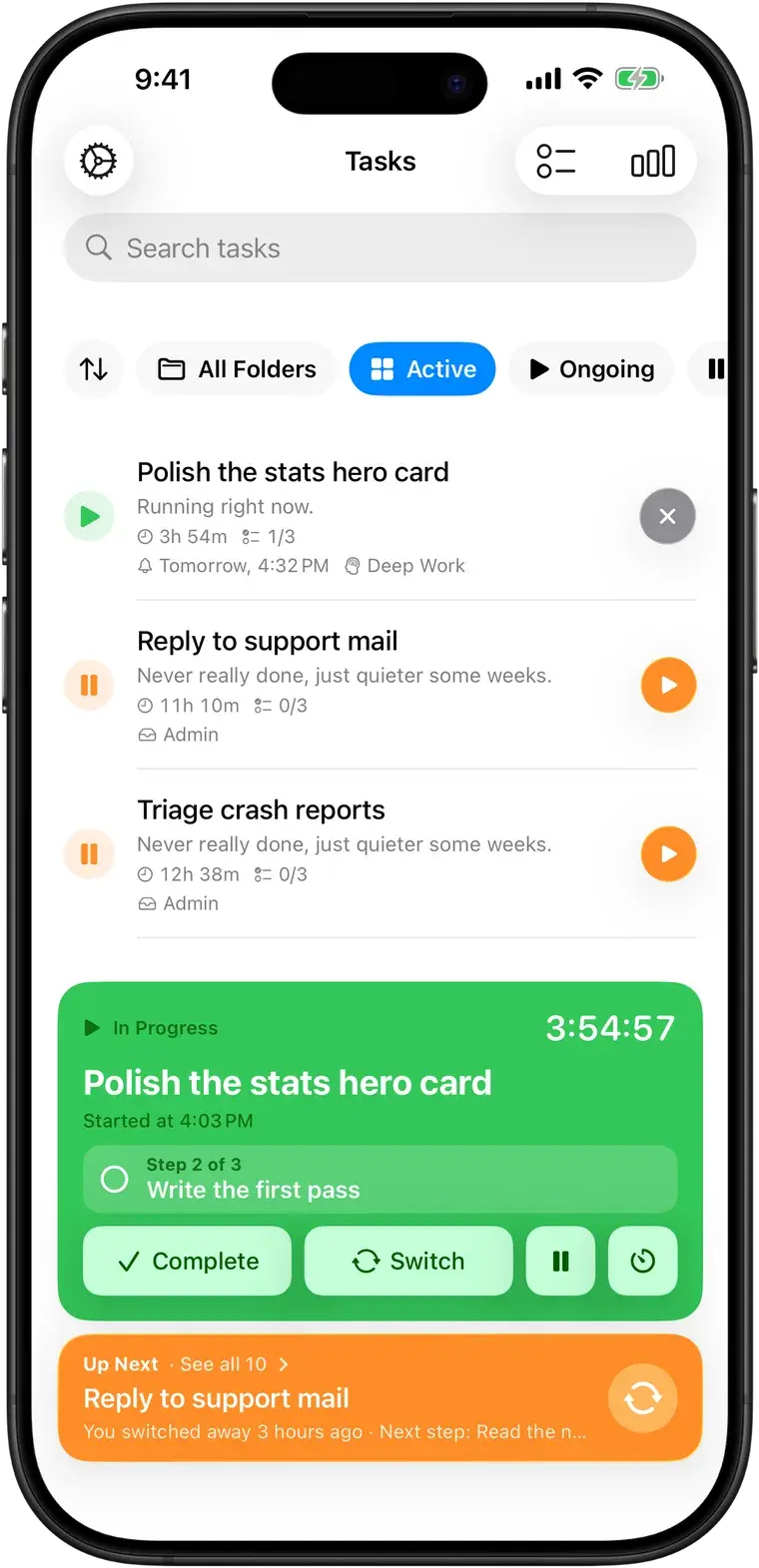
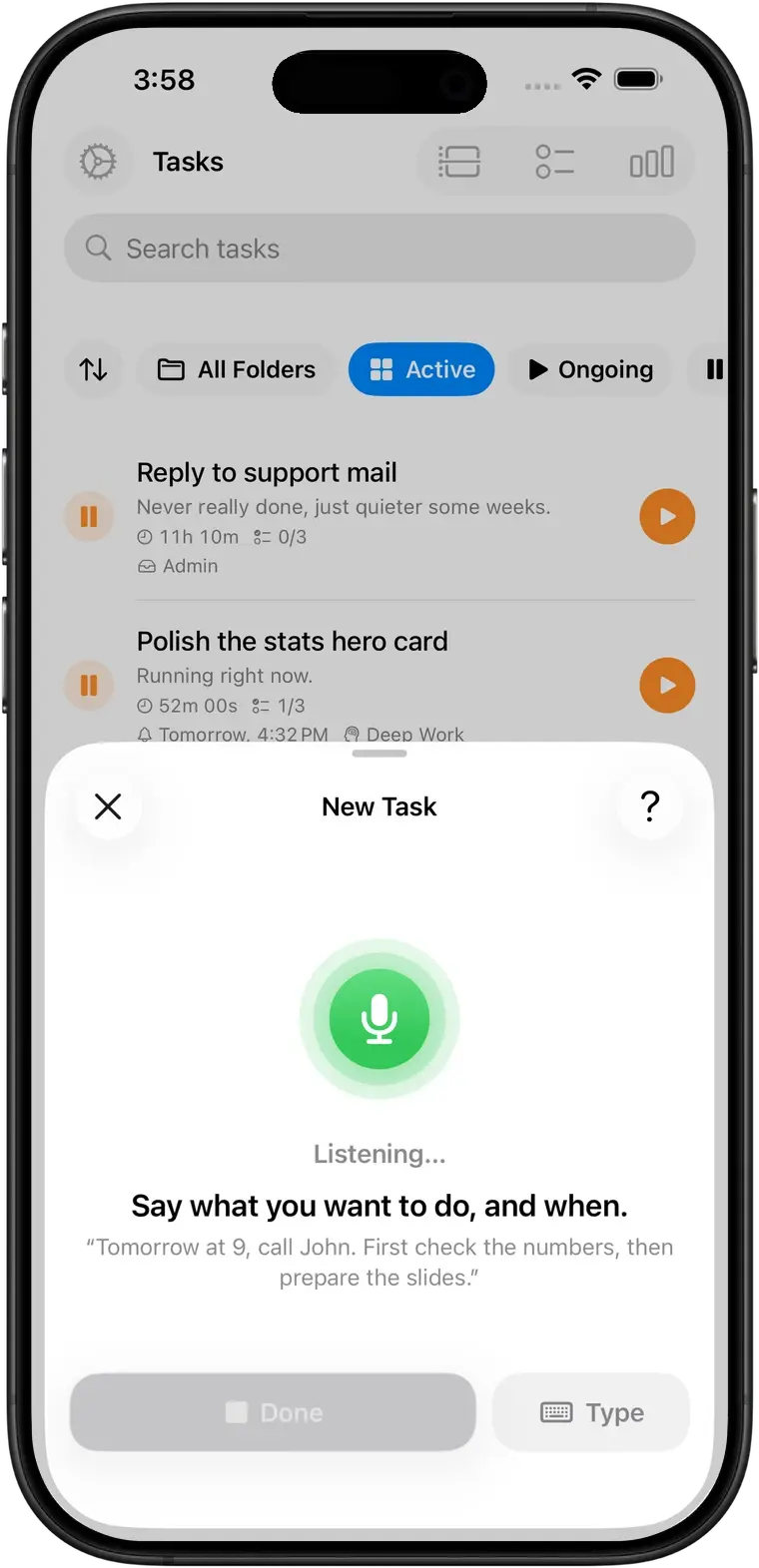
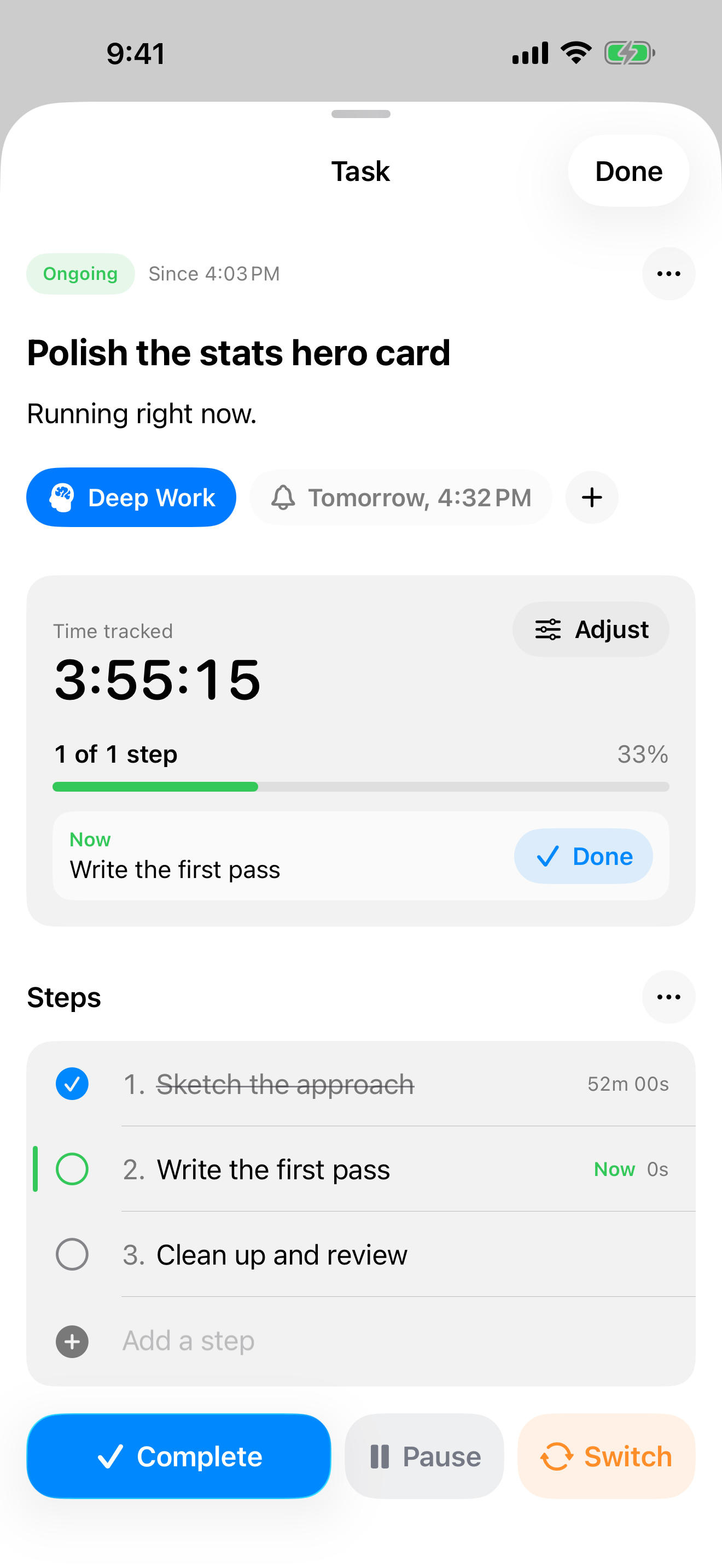
Don't Forget is a focus timer for ADHD and busy brains that expects interruptions: switch tasks in one tap, and the task you left waits with its timer and next step until you come back.
Short description
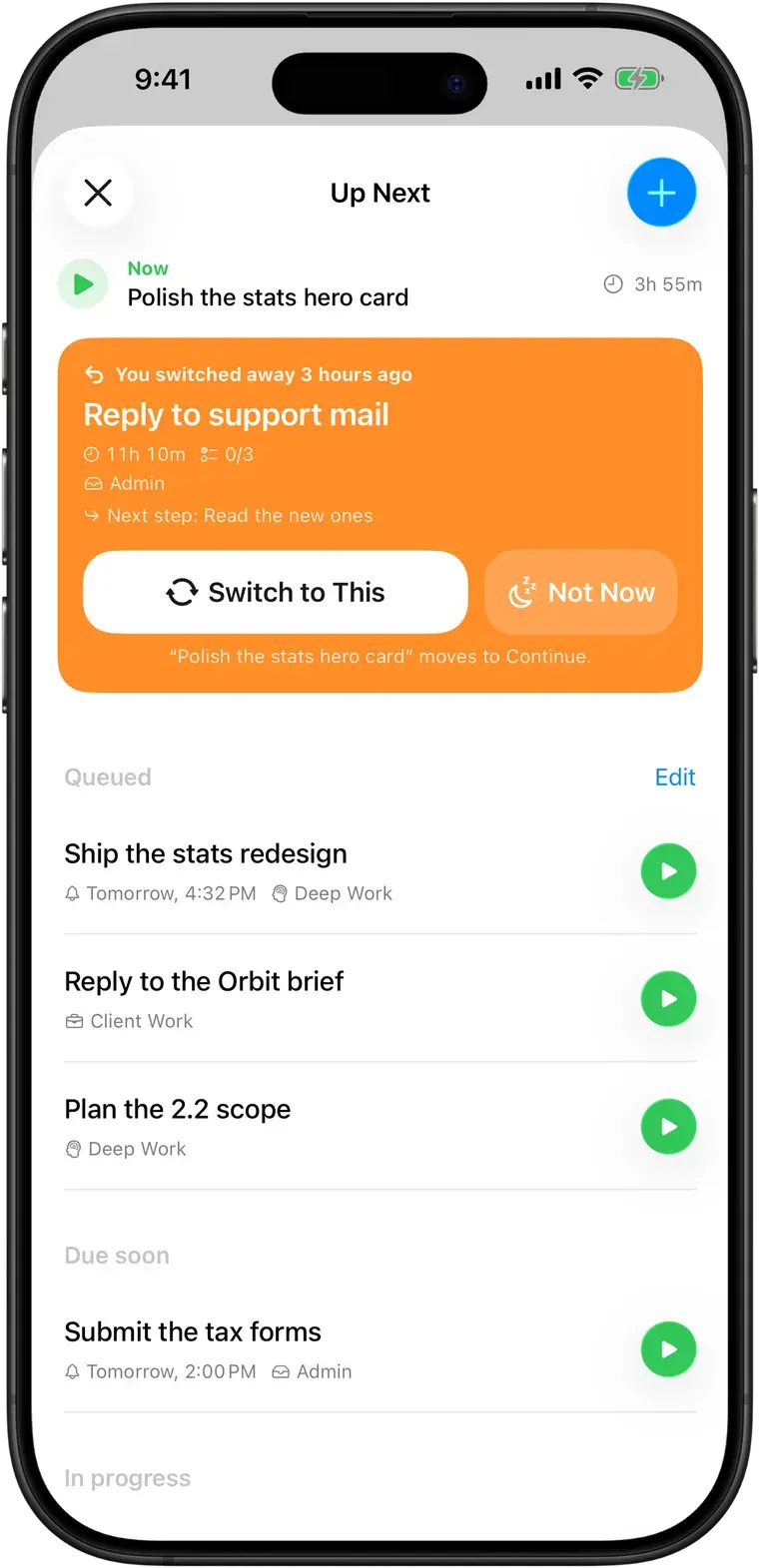
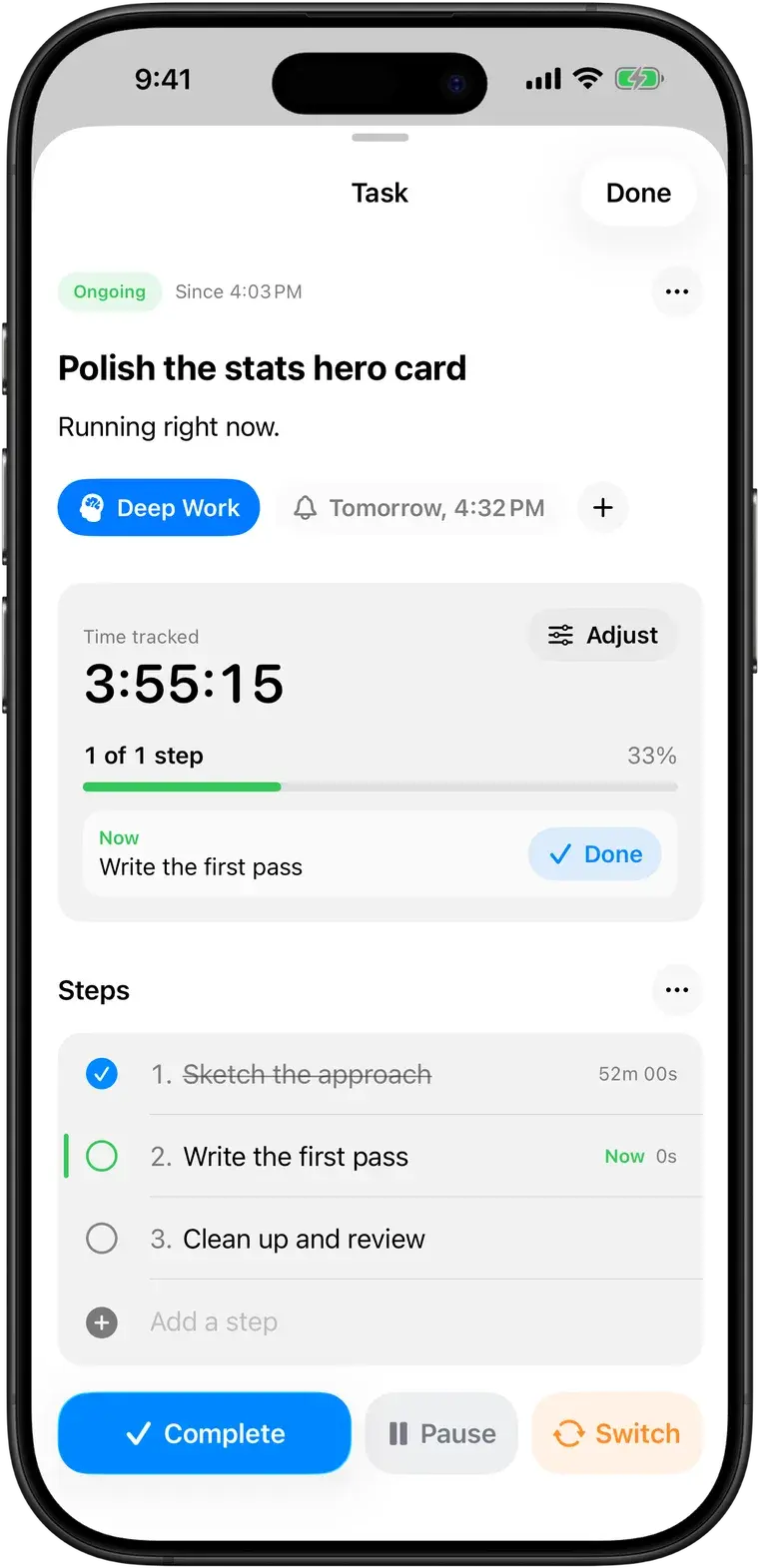
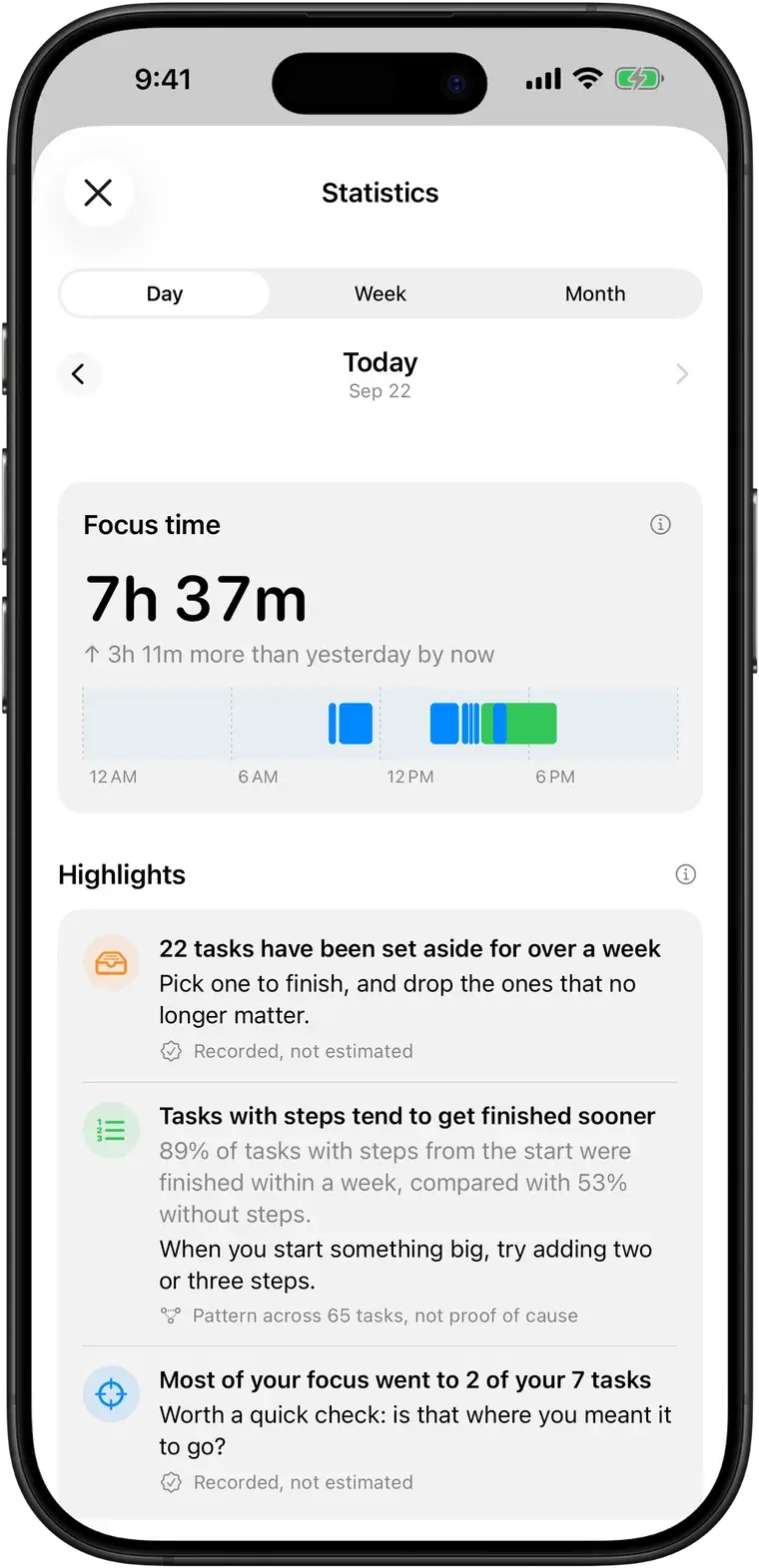
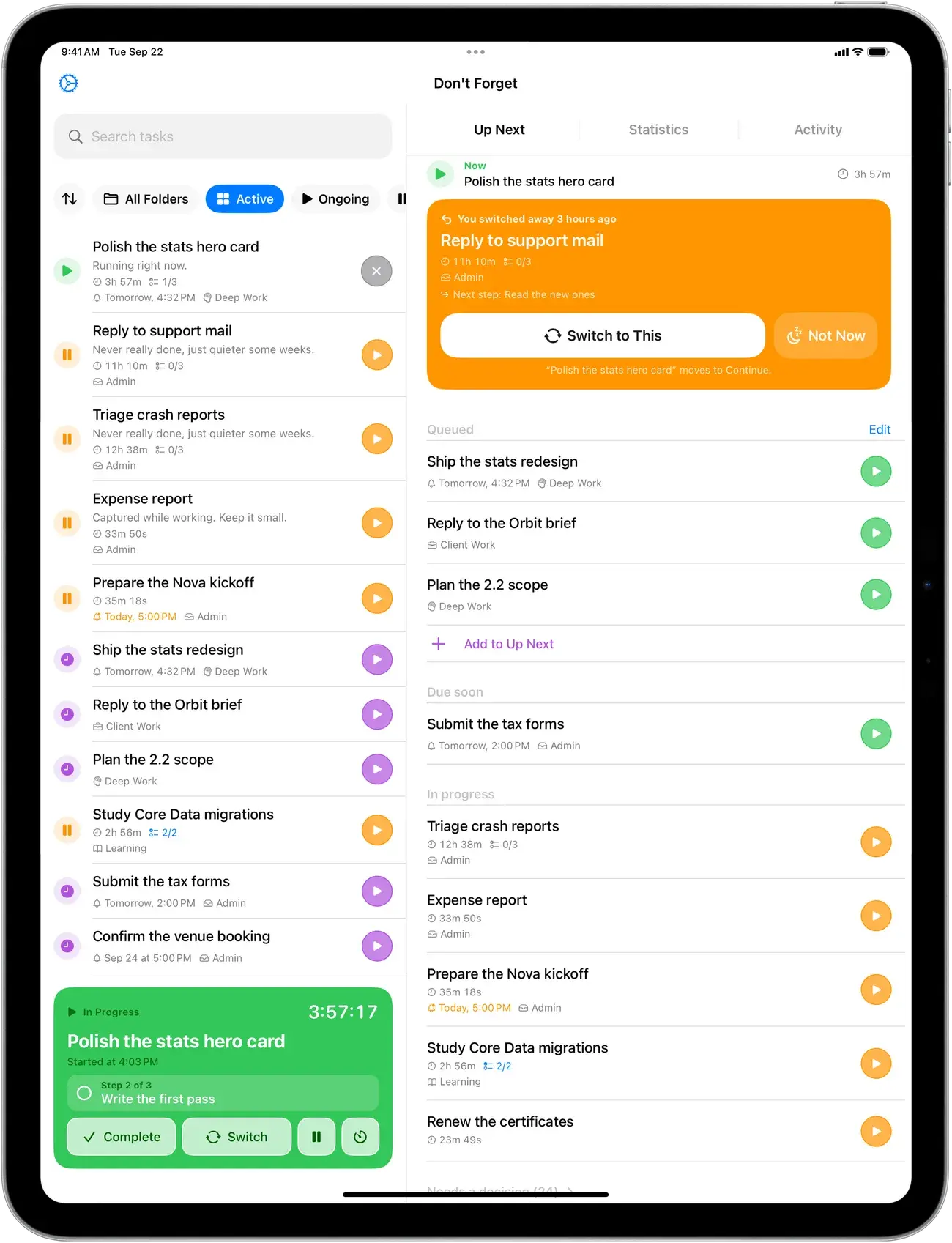
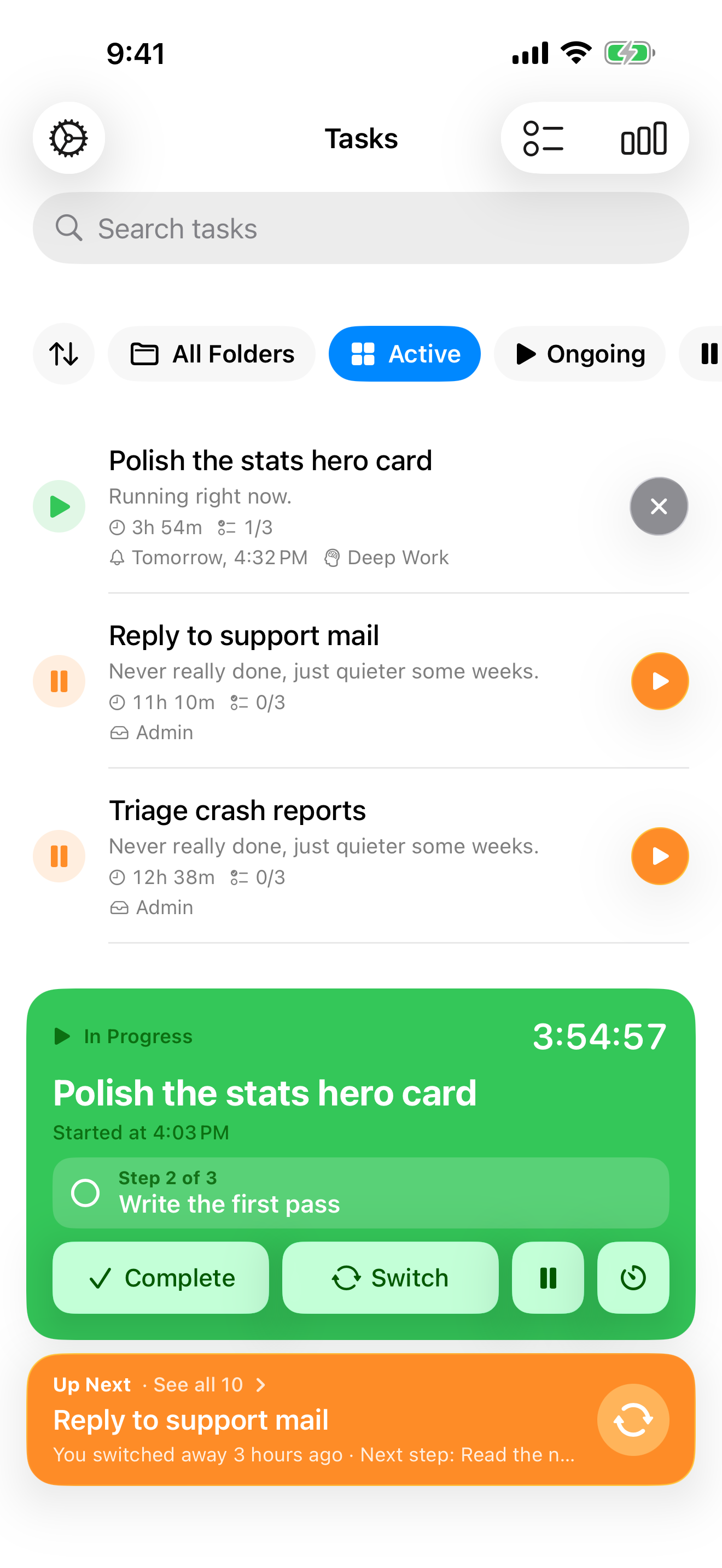
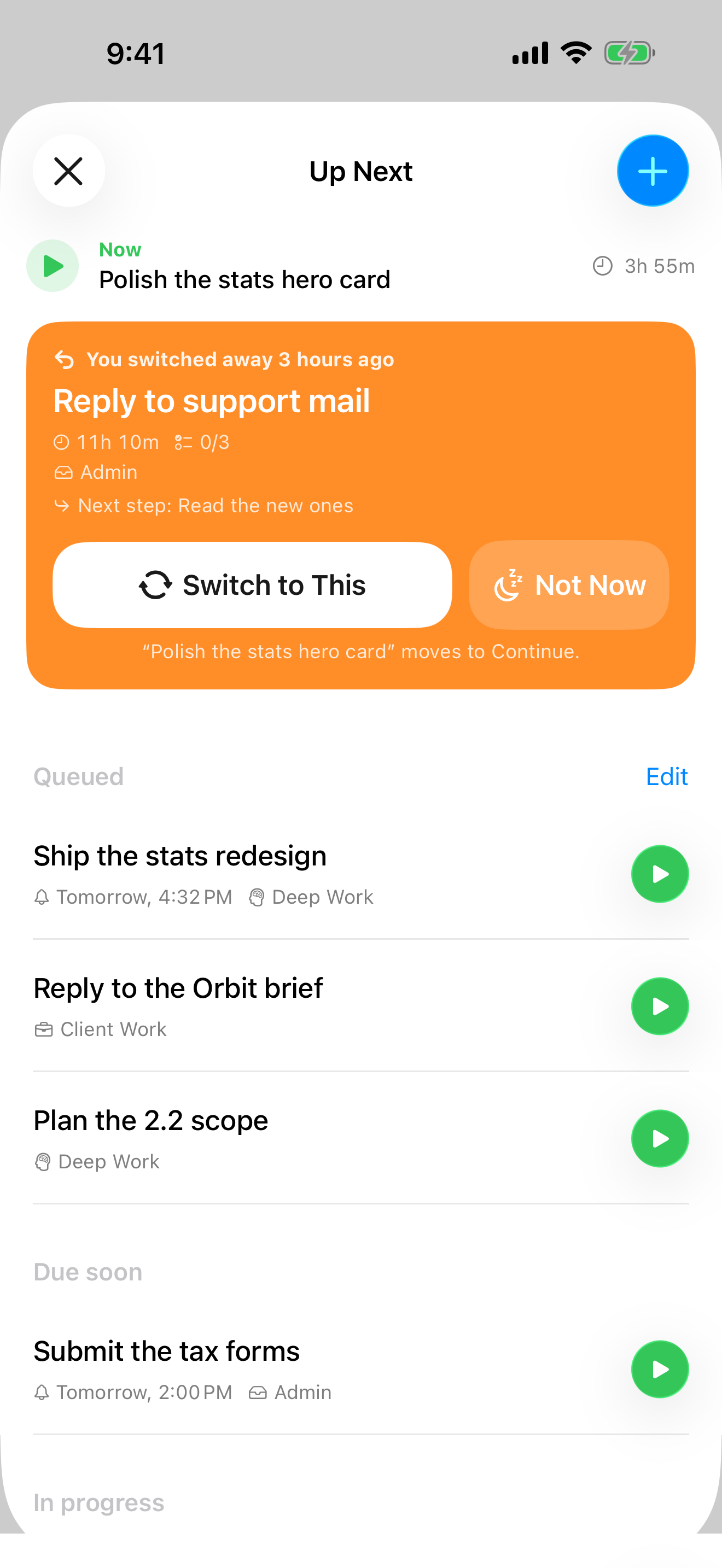
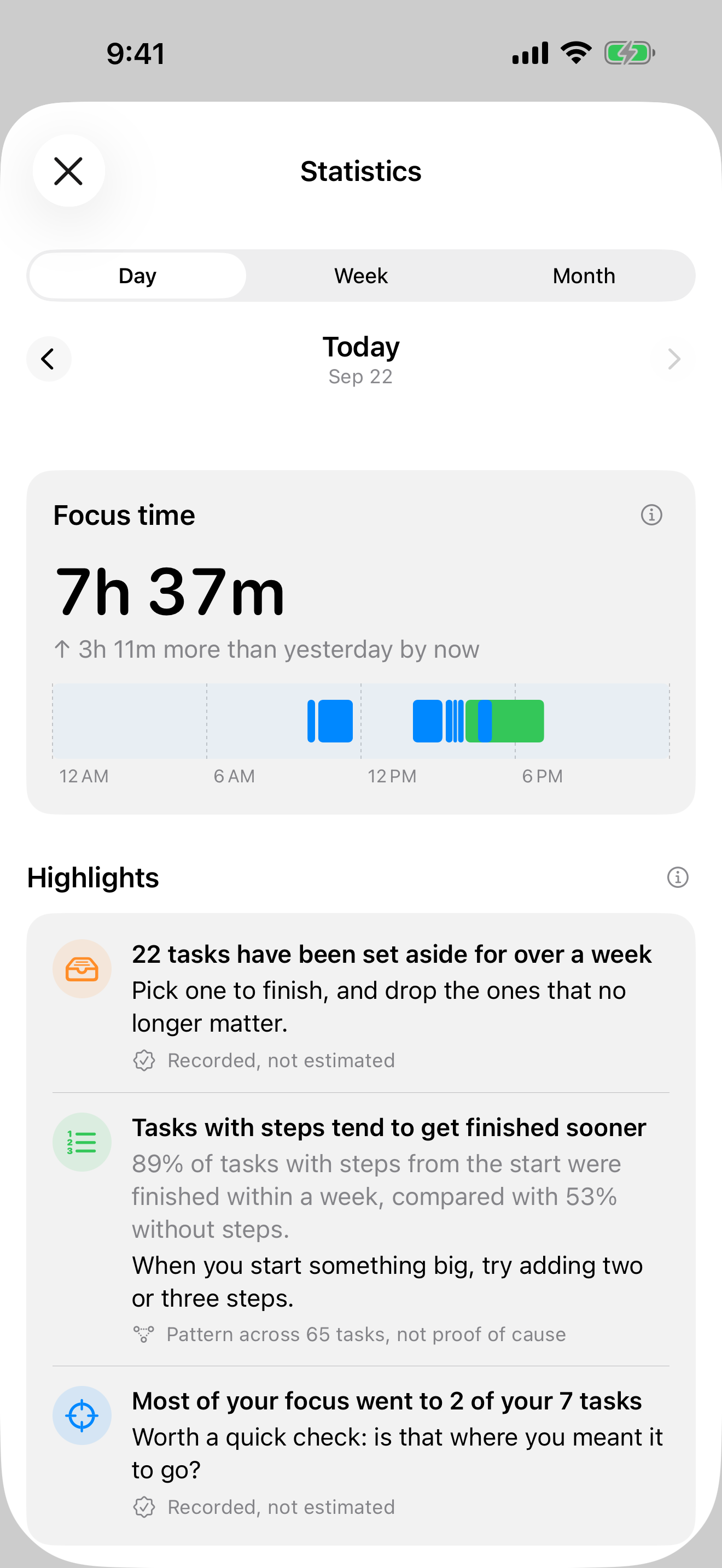
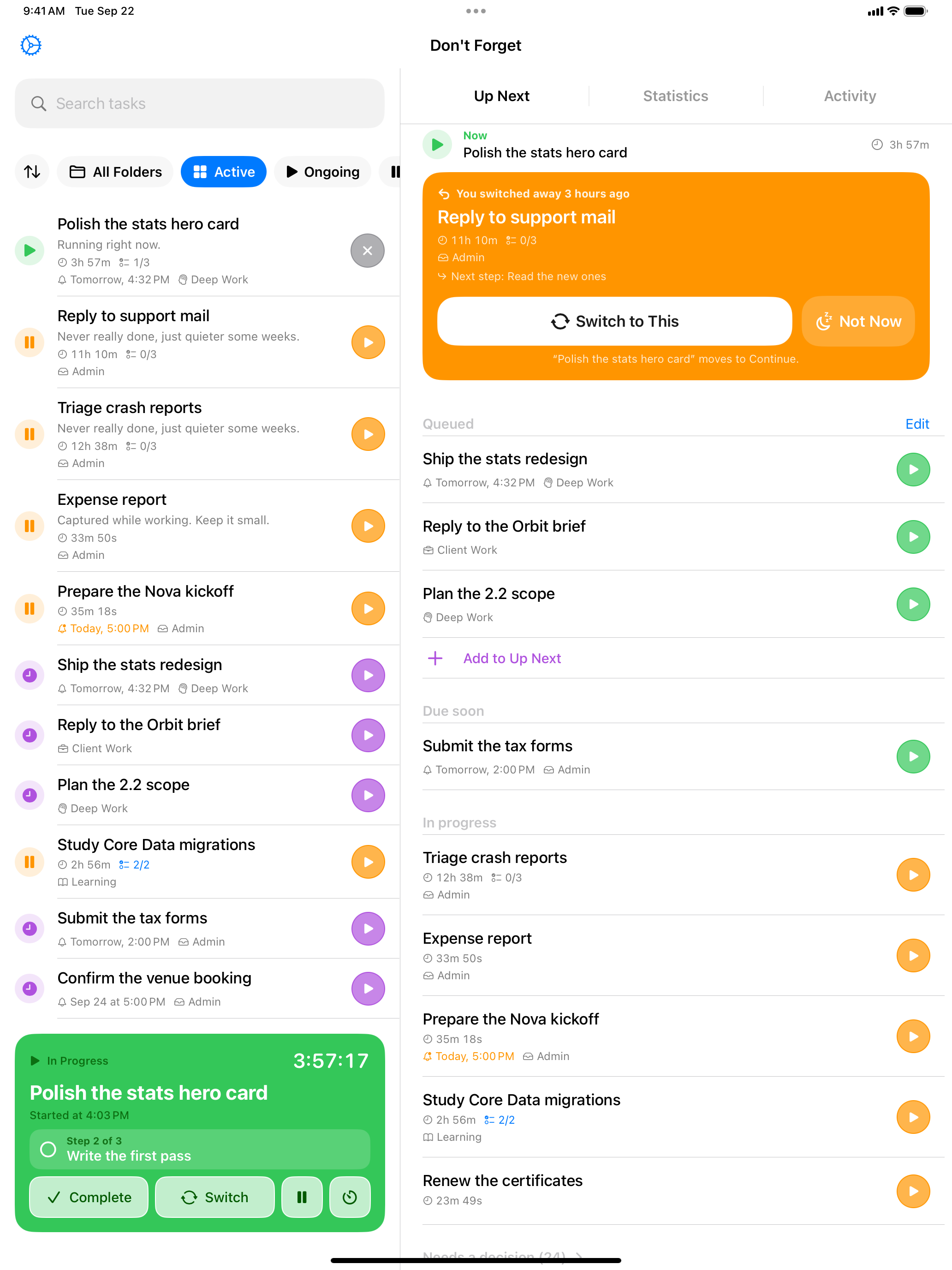
Don't Forget helps people who get pulled away mid-task find their way back. You start a task and the timer runs. When something urgent comes up, you tap Switch: the task is parked with its time and steps, and a new one starts. A minute later a notification asks if you want to go back, and Up Next keeps the parked task at the top until you do. Statistics show where time actually went, recorded rather than estimated.
The app runs on iPhone, iPad, Mac (in the menu bar, with auto-pause when the Mac sleeps or locks) and Apple Watch, and syncs through iCloud without an account. It's free, with an optional one-time Pro purchase for deeper insights and Siri & Shortcuts. It's designed, developed and maintained by Francesco Leoni, an independent developer.
What makes it different
- Built around interruptions: switching and coming back are each one tap.
- No streaks, goals or guilt mechanics.
- Time is recorded from real sessions; patterns are never presented as causes.
- A native Mac menu bar app alongside iPhone, iPad and Apple Watch.
- No account, no subscription, no ads.
Key facts
- Name
- Don't Forget: ADHD Task Timer
- Developer
- Francesco Leoni, independent developer
- Platforms
- iPhone and iPad (iOS 17.6 or later), Mac (macOS 14.6 or later), Apple Watch (watchOS 10.6 or later)
- Price
- Free. Optional one-time Pro purchase ($19.99 in the US). No subscription, no ads.
- Category
- Productivity
- Languages
- English, German, Italian, Korean, Portuguese (Brazil)
- Account
- None required; syncs through the user's iCloud
- App Store
- View on the App Store
About the developer
Francesco Leoni is an independent app developer who designs, builds and maintains Don't Forget alone. More at francescoleoni.com.
Assets
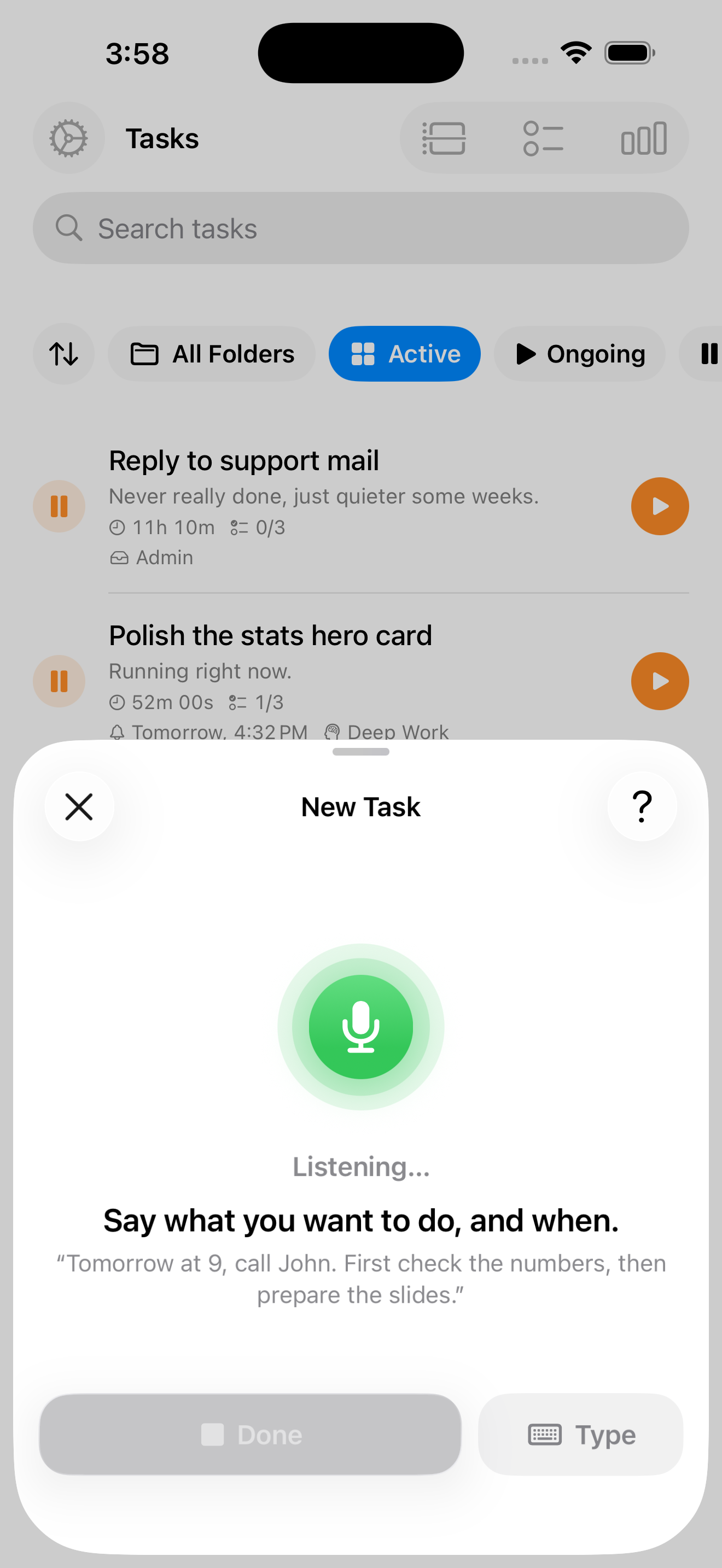
Real screenshots from the app. Please don't alter the icon. Screenshots may be cropped.